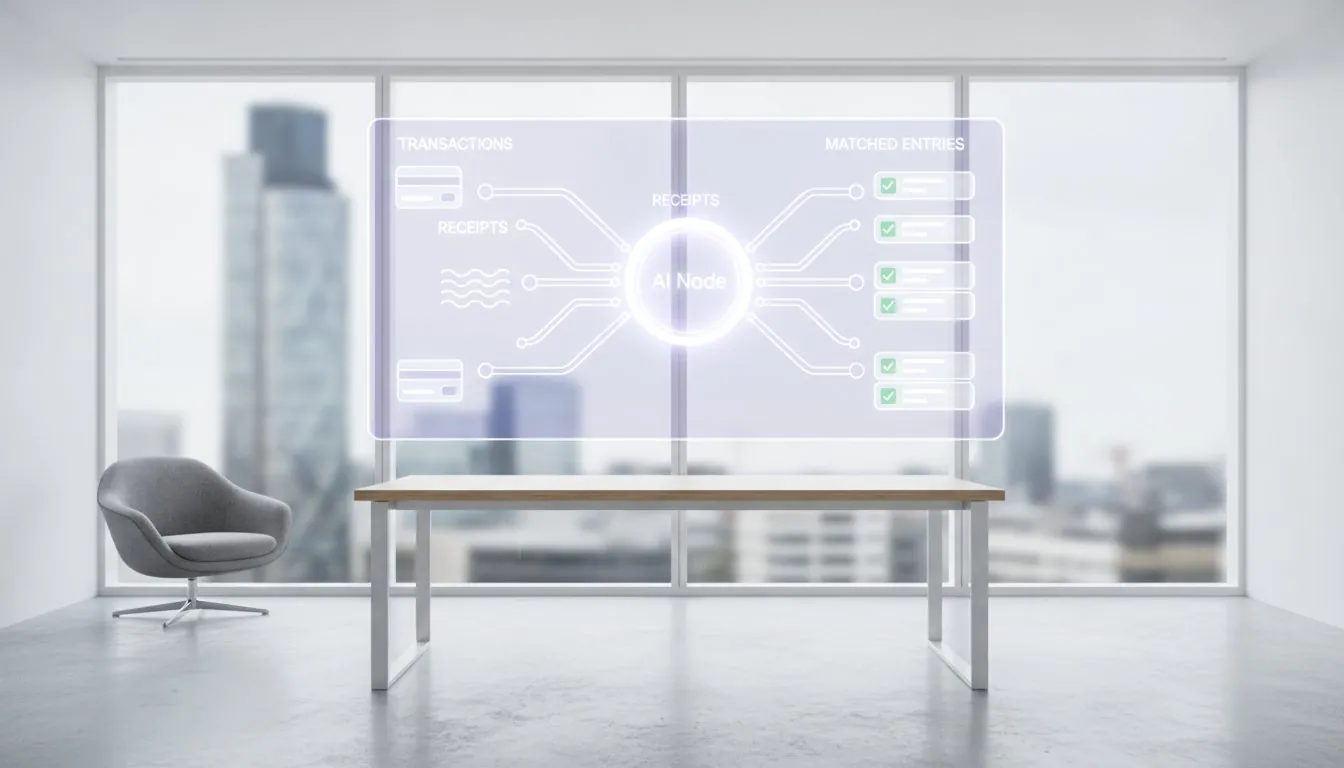

Filing tax returns in the UK has shifted decisively from paper forms to digital submissions. Whether you’re a sole trader, landlord, or running a limited company, the right assessment software can transform a stressful January into a manageable process. This guide covers what tax return software does, how it connects to your existing accounting systems, and how plugins like Flowmee can boost your practice’s efficiency without replacing the tools you already use.
Answering your question: what is tax return software and how does it work?
Self Assessment software refers to the way people manage and file their Income Tax Self Assessment returns with HMRC. Digital tax returns have become the norm, with paper-based approaches being gradually phased out as HMRC encourages the use of software to reduce human error and improve compliance.
These tools let individuals, landlords, sole traders and limited companies prepare and submit returns online instead of wrestling with paper HMRC forms. Digital tax returns submitted through Self Assessment software can be much quicker and more efficient, allowing users more time before deadlines catch up on them. Modern platforms are typically cloud-based, giving you a real time view of income, expenses and estimated liabilities while connecting directly or indirectly to HMRC’s systems.
Making Tax Digital for Income Tax (MTD ITSA) launches from 6 April 2026 for many businesses and landlords, making digital for income tax compliance essential now—not later. This is where Flowmee enters the picture: a plugin layer that sits on top of existing accounting software to improve tax workflows, rather than replacing your current system entirely.
Types of tax return software in the UK
Not all tax software serves the same purpose. HMRC encourages the use of commercial third-party software for Self Assessment, which has led to a variety of online tax solutions tailored to individual taxpayer needs.
- Dedicated Self Assessment tools focus purely on SA100 and supplementary pages like SA103 for self employment or SA105 for UK property. These often use simple question-and-answer interfaces ideal for individuals and landlords.
- Practice tax suites handle SA100, SA800, SA900, CT600 and VAT returns for accountants processing hundreds of assessment tax returns annually.
- General accounting software (tools similar to Xero, Sage UK, FreeAgent) includes Self Assessment features or integrates with specialised assessment software for seamless filing.
- Bridging software connects spreadsheets or older systems to HMRC for VAT and, from April 2026, MTD ITSA quarterly updates.
- Plugin/add-on tools like Flowmee enhance existing accounting software rather than replacing it—surfacing tax insights, tracking deadlines and preparing data for submission.
HMRC encourages software providers to produce free versions of their products for small businesses with simple tax affairs, ensuring accessibility across budget levels.
Core features to look for in income tax & Self Assessment software
A good tool does more than send numbers to HMRC. It should save time, reduce errors and give a clear overview of your tax position throughout the year.
Essential capabilities:
- HMRC-recognised Self Assessment filing with support for SA100 and common supplementary pages
- Up-to-date 2024–25 forms and ongoing updates for tax changes
- Error-checking and validation rules that mirror HMRC’s own checks
- Automatic tax calculation for Income Tax and Class 2/4 National Insurance
- Pre-population of forms from bookkeeping data
Usability matters:
- Step-by-step workflows with contextual guidance
- Clear explanations of concepts like personal allowance and payments on account
- Mobile access for record keeping on the go
Security requirements:
- UK or EU data hosting with encryption and regular backups
- Audit trails for compliance and client transparency
- Adherence to Making Tax Digital security expectations
Integration with accounting software and bank feeds is now critical. The ability to pull transactions and categorisations directly eliminates re-keying—a major time sink. Flowmee, as a plugin, uses the existing accounting data model and enhances the tax logic without duplicating bookkeeping features, complementing broader advances in autonomous AI-powered accounting that streamline end-to-end finance operations.
Making Tax Digital for Income Tax and compatible software
Making Tax Digital (MTD) for Income Tax aims to allow individuals to fulfill their income tax obligations entirely through compatible software, while remaining responsible for the data submitted. From 6 April 2026, sole traders and landlords with a turnover above £50,000 will be required to use MTD-compliant software for their tax submissions. Those earning over £30,000 follow from April 2027.
What MTD ITSA requires:
- Digital record keeping throughout the tax year
- Quarterly updates of income and expenses
- An End of Period Statement (EOPS) reconciling figures
- A final declaration replacing the traditional annual assessment return
Compatible software must maintain digital records and communicate with HMRC’s MTD ITSA APIs. This can be full end-to-end solutions or combinations of tools linked digitally—for example, a record-keeping app plus bridging software for submissions.
GOV.UK maintains a list of compatible software, though many vendors remain in pilot phases during 2025. Flowmee helps practices become MTD-ready by surfacing MTD status, deadlines and data gaps directly inside their existing accounting systems—reducing migration headaches significantly.
How tax return software connects to accounting software
The best tax outcomes come when tax tools sit on top of accurate bookkeeping rather than operating in isolation. Modern integrations pull trial balances, nominal codes and journals from accounting platforms to drive Self Assessment and CT600 computations automatically, especially when combined with AI-powered accounting platforms that automate posting, reconciliation and workflows.
For limited companies, tax return software often consumes year-end accounts generated by accounts production modules to create CT600 filings with proper XBRL tagging. An add-on like Flowmee sits between accounting software and assessment software: enriching or transforming accounting data into tax-ready views without changing the underlying ledger.
This plugin model avoids re-keying data, reduces reconciliation errors and keeps accounting adjustments transparent for both accountants and their clients, particularly when paired with AI-powered reconciliation systems that automate matching and discrepancy detection. API-based, two-way integrations now provide real-time visibility of balances, open items and draft tax positions.
Practical example: A sole trader using cloud bookkeeping in 2024–25 can have their categorised income sources and expenses flow directly into Self Assessment schedules. Flowmee surfaces exceptions—like uncategorised transactions over £500—for accountant review before submission.
Flowmee: plugin layer that boosts accountants’ and bookkeepers’ tax work
We built Flowmee as a plugin that enhances existing accounting software rather than replacing it. It connects to popular platforms to surface tax-specific insights without disrupting your established workflows.
What Flowmee delivers:
- Draft Income Tax and Corporation Tax projections based on live accounting data
- MTD ITSA readiness tracking across your client base
- Exception flagging for items needing accountant review
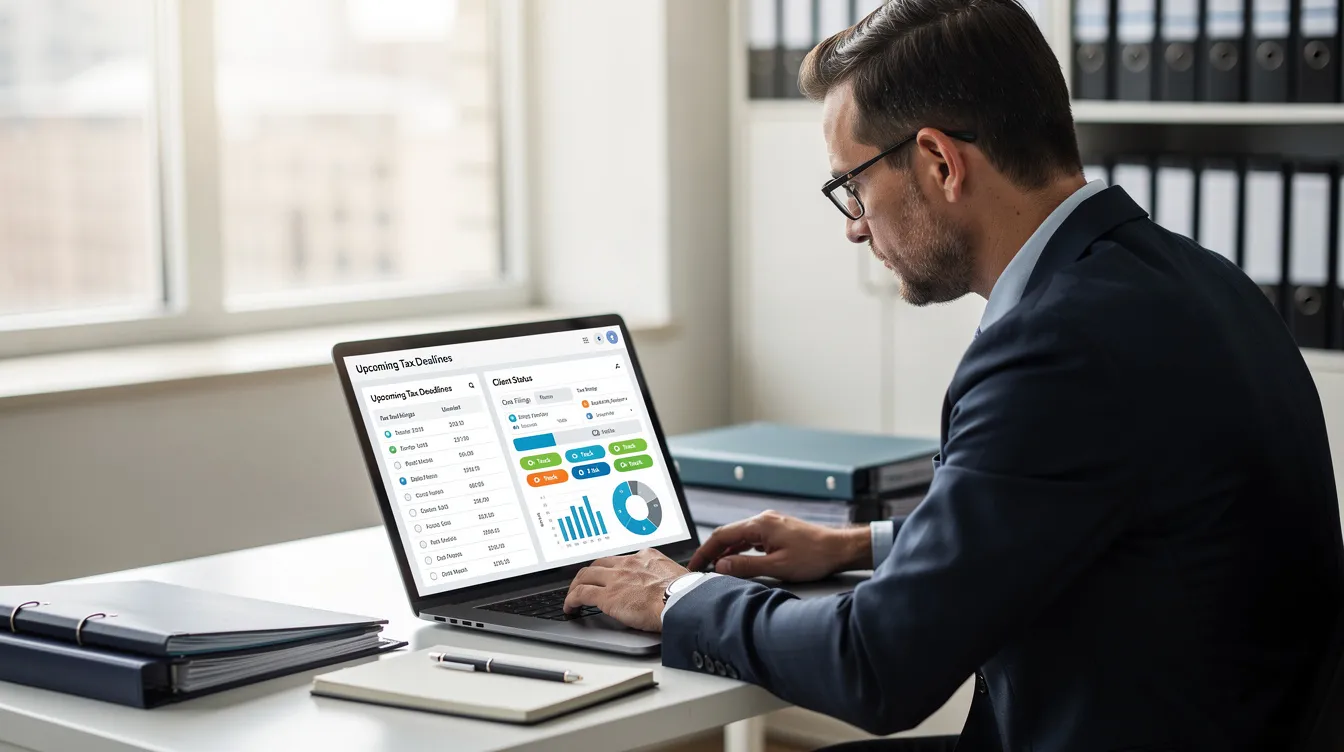
- Workflow tools for assigning tasks and tracking which clients’ Self Assessment, CT600 and VAT returns are at which stage
Flowmee updates as soon as the underlying accounting data changes, so practices always see the latest estimated tax position by client. This proves invaluable during January Self Assessment season, when 11.4 million returns compete for attention before 31 January 2026.
The tool maps accounting data to quarterly update categories and final declaration requirements, helping practices prepare for Making Tax Digital for Income Tax without rebuilding their systems. Flowmee targets accountants, bookkeepers and limited companies working with advisers—not one-off DIY filers, fitting neatly alongside AI-powered accounting services for small business clients on subscription.
Key benefits of using tax return software (and plugins) for different users
Different users benefit in different ways from assessment software and workflow plugins.
Individuals and landlords gain simpler digital record keeping, fewer errors through automatic tax calculations, and reminders of January and July payment deadlines.
Limited companies streamline CT600 preparation by reusing statutory accounts data, tracking adjustments, loss reliefs and associated companies rules efficiently.
Accountants and bookkeepers save substantial time across hundreds of self assessment tax returns, maintain consistency of treatments and delegate more easily within their team.
With plugins like Flowmee, these benefits compound: central dashboards for deadlines, standardised workflows and analytics across the entire client base. Compliance with Making Tax Digital for VAT returns and income tax becomes measurable rather than assumed.
Self Assessment vs Corporation Tax: different tax return software needs
Individuals and companies face different tax rules, requiring slightly different software capabilities.
Self Assessment (SA100) needs support for multiple income streams—employment income, self employment, property, dividends, foreign income—plus payments on account calculations. Partnerships (SA800) and trusts (SA900) require specialist modules handling allocations to partners or beneficiaries.
Corporation Tax (CT600) demands XBRL tagging, compatibility with Companies House accounts, and support for reliefs and group situations for limited companies.
Many practices run all return types through unified platforms but plug in tools like Flowmee on top of their accounting software for enhanced analysis and workflow visibility across both individual and corporate clients.
Expert support, trials and pricing: what to check before you commit
Beyond features, the level of expert support and trial experience are major decision factors. Expert support typically means email, chat or phone help from tax-literate staff with UK Self Assessment and MTD experience.
There is a range of software options available for Self Assessment, including both free and paid solutions, allowing users to choose based on their specific needs and budget. UK norms include 14- or 30-day free trials, often with no credit card required, so you can test Self Assessment flows and MTD features with real data.
Check before committing:
- Whether a credit card required upfront
- How easy it is to cancel before trial ends
- Per-return pricing vs subscription tiers for practices
Evaluate Flowmee on return on time saved per staff member and per client, not just licence cost. Test support responsiveness during the trial—especially near peak dates like 31 January—to ensure help arrives when it matters.
How to choose the right tax return and assessment software for 2025–26
With dozens of HMRC-recognised software choices available, the “best” option depends on your business size and workflow.
Decision process:
- List requirements (Self Assessment only vs full suite, MTD ITSA readiness, integration with current accounting software)
- Narrow to a shortlist of software options meeting your criteria
- Test thoroughly during a trial period
Sole traders and landlords should prioritise ease of use, direct HMRC filing and Making Tax Digital compatibility ahead of April 2026. Limited companies and growing businesses need tight integration with accounts production and CT600 tools, as well as scalable AI-powered document workflow and accounting solutions with tiered pricing.
For accountants and bookkeepers, emphasise scalability, bulk-processing tools, staff permissions and the ability to plug in workflow enhancers like Flowmee across your existing stack. Always confirm HMRC recognition and verify the vendor’s MTD ITSA roadmap.
Review your current tools during 2025’s quieter months and complete at least one full test cycle with any new software or plugin before the next major deadline.
Frequently asked questions about tax return software
Does HMRC offer its own full tax return software for MTD? HMRC provides basic services and APIs but relies on third-party compatible software for full digital for income tax compliance. HMRC encourages the development of free software products for small businesses with simple tax affairs that are mandated to use Making Tax Digital for Income Tax.
Can I keep spreadsheets and still comply with MTD? Yes, but only via bridging software that maintains digital links to HMRC for quarterly updates and final declarations.
Is tax software mandatory for Self Assessment now? Not yet for most taxpayers, but MTD ITSA requirements from April 2026 (£50k+) and April 2027 (£30k+) will mandate compatible software for covered sole traders and landlords.
Where is my tax and accounting data stored? Most modern tools use UK or EU cloud data centres with encryption. Check vendor documentation for specifics on data location and security certifications.
Can plugins like Flowmee see or change my underlying transactions? Flowmee uses read-only API access to surface tax insights without altering transactions in your accounting system. It transforms accounting data into tax-ready views while keeping your ledger untouched.
Do I need other income sources tracked separately? Good assessment software handles multiple income sources—employment income, self employment, property, dividends—within a single self assessment return using appropriate supplementary pages.
This content provides general guidance and does not replace professional tax or legal advice. Consult your accountant or HMRC for specific situations.