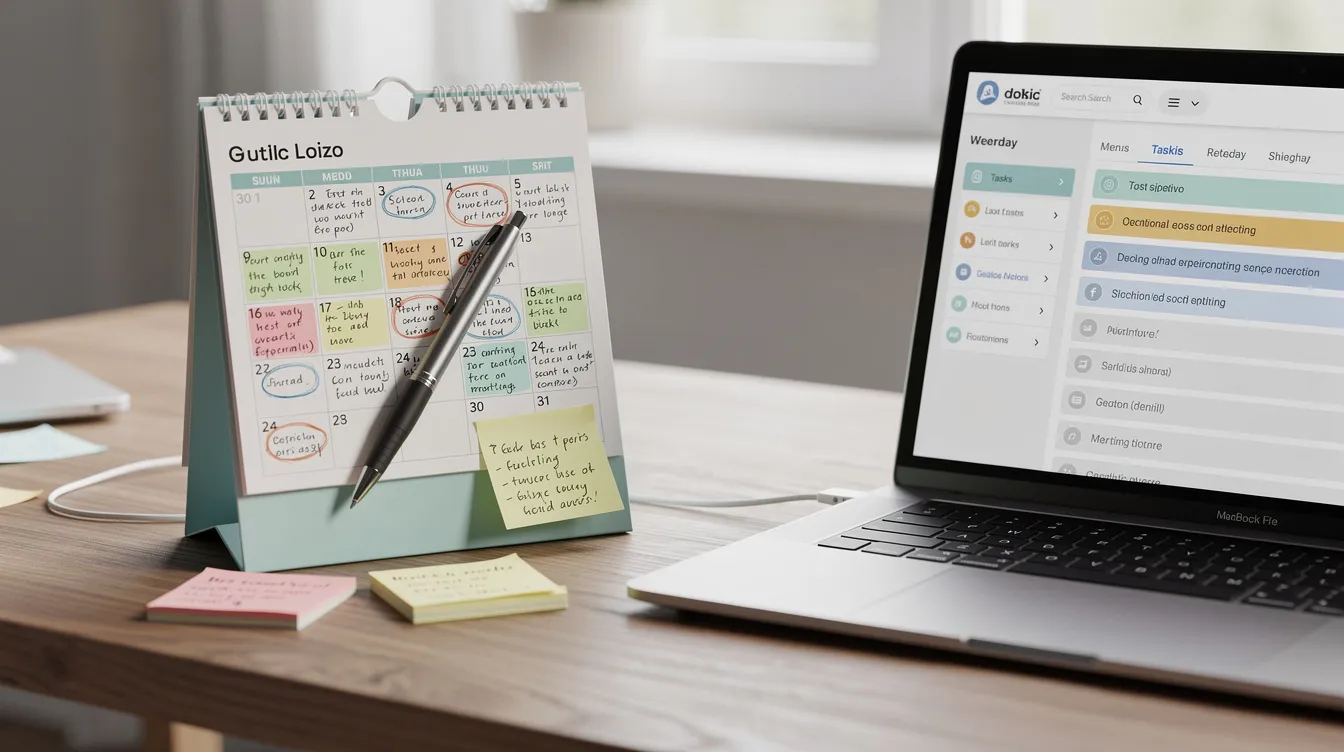

From 6 April 2026, sole traders and landlords with a gross income over £50,000 must start using compatible software to report their income under Making Tax Digital for Income Tax. This represents a fundamental shift in how UK taxpayers interact with HMRC, moving from the familiar once-a-year Self Assessment tax return to a system of quarterly updates plus a final declaration.
Making Tax Digital changes Self Assessment from a single yearly return to five submissions per tax year. Instead of scrambling to gather receipts every January, you will submit income and expenses data four times throughout the year, followed by an end-of-year declaration that crystallises your tax bill. The key dates are straightforward: individuals with qualifying income of £50,000 or more fall into scope from the 2026/27 tax year, those earning £30,000 or more from 2027/28, and HMRC has signalled its intention to lower thresholds further after 2028.
This article focuses on practical software options for MTD ITSA, covering what to look for when choosing making tax digital software, how to stay compliant with the new MTD rules, and why features like cancel anytime subscriptions and seamless bank account connections matter for small business owners and landlords alike.
Using software for Making Tax Digital helps small businesses replace paper-based systems with digital records, reducing manual errors and the late-year stress that comes with traditional bookkeeping. Whether you are a freelance consultant, a gig economy worker, or a landlord managing rental properties, understanding your software options now will save considerable headaches when the first quarterly update deadline arrives in August 2026.

What is Making Tax Digital for Income Tax (MTD ITSA)?
Making Tax Digital for Income Tax, commonly abbreviated as MTD ITSA, is HMRC’s legislative framework requiring eligible individuals to maintain digital records and report their self employment and property income through MTD compliant software rather than traditional paper-based methods. This forms part of the broader MTD initiative that aims to digitize the UK tax system, making it more accurate and efficient while reducing the time businesses spend on tax administration.
Under MTD for income tax, eligible sole traders and landlords must keep digital records and submit updates to HMRC quarterly, starting from 6 April 2026 for those with gross income over £50,000. The system requires you to use compatible software that connects directly to HMRC via secure digital links, ensuring that your records flow seamlessly into your tax submissions without manual rekeying.
Crucially, MTD ITSA does not change how much income tax you pay. Your tax calculations remain identical to what they would be under the current Self Assessment system. What changes is how and when you report your income and expenses. Under MTD, individuals will need to submit five submissions a year instead of one, which includes quarterly updates and a final year-end tax return that brings together all your income sources.
The official rollout timetable is now set in legislation. MTD becomes mandatory from 6 April 2026 for individuals with qualifying income of £50,000 or more. From 6 April 2027, the threshold drops to £30,000. HMRC has indicated plans to extend coverage to taxpayers earning £20,000 or more from 6 April 2028, though this remains subject to parliamentary review.
For context, MTD already applies to VAT registered businesses. Those with taxable turnover above £85,000 have been within MTD for VAT since April 2019, and all VAT registered businesses joined from April 2022. MTD ITSA builds on this foundation, bringing digital for income tax requirements to millions of additional taxpayers.
Who must use MTD-compatible software and when?
MTD obligations depend on your qualifying income and the specific tax year in question. Once your income crosses the relevant threshold, using tax digital compatible software becomes mandatory rather than optional.
Qualifying income means your total gross receipts from self employment and UK property before any deductions for expenses. If you have multiple income streams, you add them together. For example, a landlord receiving £21,000 in gross rent from residential properties plus £31,000 from freelance consulting work has qualifying income of £52,000, placing them firmly within scope from April 2026.
The staged rollout works as follows. From the 2026/27 tax year, individuals with £50,000 or more in qualifying income must comply. The income thresholds for Making Tax Digital will decrease over time, with the next phases set for 6 April 2027 for incomes over £30,000 and 6 April 2028 for incomes over £20,000. HMRC estimates this phased approach will eventually bring over 4 million taxpayers into MTD ITSA.
Once you are enrolled in MTD ITSA, you must continue unless your qualifying income stays below the entry threshold for three consecutive tax years. HMRC does grant exemptions in specific circumstances, including for those aged 65 or over who face genuine digital barriers, individuals with severe disabilities, or people without reliable internet access.
The groups most directly impacted include sole traders across all sectors from plumbers to graphic designers, UK landlords whether holding one property or a portfolio, those who combine self employment with rental income, and jointly-owned property owners. For joint ownership, only your share counts toward qualifying income. If you and a partner jointly own a property generating £60,000 annual rent on a 50/50 basis, your qualifying income from that source is £30,000.
You should choose your software before signing up for Making Tax Digital for Income Tax, as it will need to be compatible with the requirements set by HMRC. Planning ahead gives you time to learn the system before deadlines become real.
How MTD software changes your tax admin: digital record keeping and quarterly updates
MTD software reshapes everyday bookkeeping by replacing paper receipts and basic spreadsheets with structured digital record keeping, automatic links to your bank account, and scheduled quarterly submissions to HMRC.
Digital record keeping in practice means recording each business and rental transaction in software rather than scribbling notes or filling boxes in Excel. Every invoice you issue, rent payment you receive, mileage claim you log, and utility bill you apportion for a home office must be captured at transaction level. Features like automatic bank feeds and receipt scanning capture financial data instantly, spreading the admin load evenly throughout the year rather than concentrating it in January.
Quarterly updates involve four submissions of income and expenses per tax year. The standard accounting period quarters run from 6 April to 5 July, 6 July to 5 October, 6 October to 5 January, and 6 January to 5 April. The first deadline for submitting a Quarterly Update under Making Tax Digital is 7 August 2026, covering the period from 6 April to 5 July 2026. Subsequent deadlines fall around 7 November, 7 February, and 7 May. These are not full tax computations but summaries of your income and expenses for the period.
MTD breaks accounting down into quarterly updates, making the process less stressful compared to a large end-of-year workload. Instead of reconstructing twelve months of transactions in a panic, you deal with three months at a time while the details are still fresh.
The final end-of-year declaration remains due by 31 January following the tax year. For the 2026/27 tax year, that means 31 January 2028. This declaration crystallises your total tax bill by incorporating other income sources such as employment, pensions, dividends, and savings interest alongside your self employment and property figures.
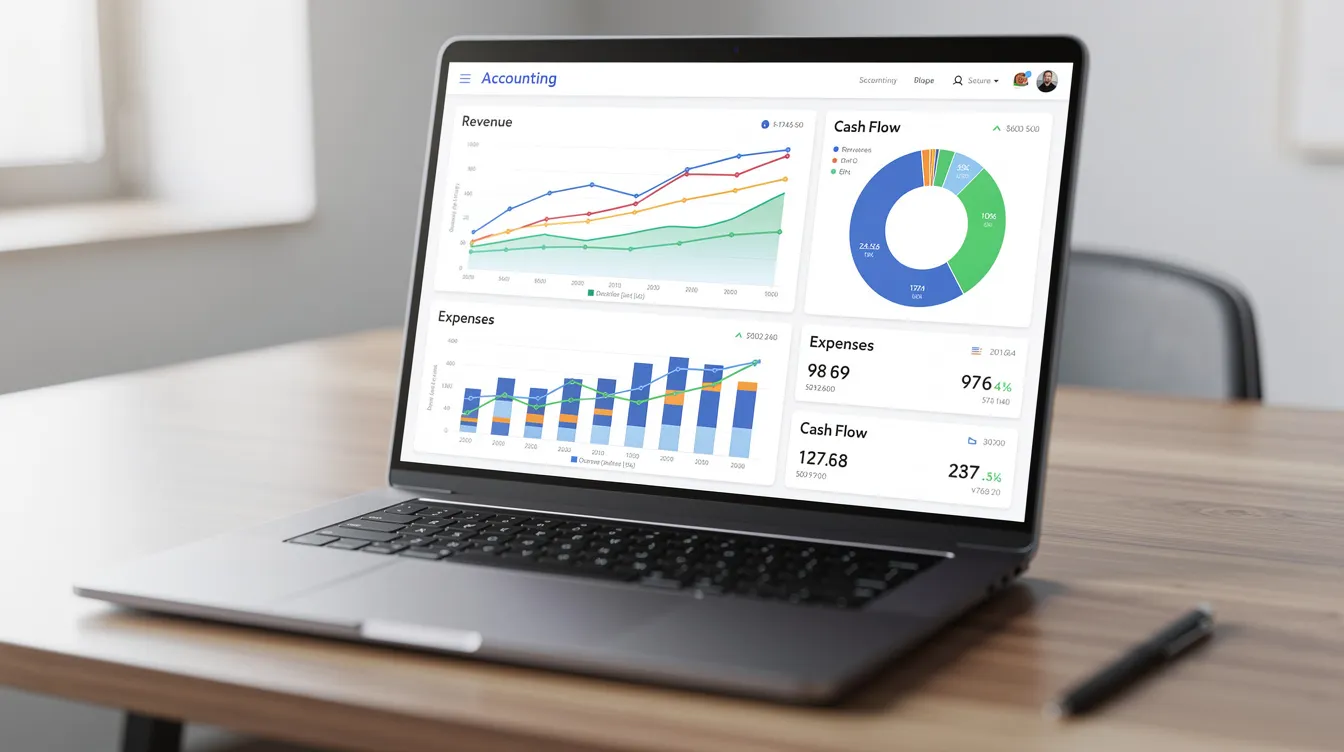
Good MTD software can estimate your income tax bill after each quarterly update, and emerging AI-powered accounting solutions go further by automating transaction recognition and validation, giving you real-time dashboards and tax estimators that help you see what you owe as you earn. This visibility helps you budget for payments and avoid the January surprises that catch many taxpayers off guard.
Types of software for Making Tax Digital: core options and how they work
There are different types of software available for Making Tax Digital, including software that creates digital records and bridging software that connects to existing records kept in spreadsheets or other accounting tools. A third category covers specialist tools designed for specific sectors like property or very small side hustles.
Full MTD accounting software handles everything in one place. These cloud-based packages create digital records from scratch, connect directly to HMRC for MTD submissions, and include features like invoicing, receipt capture via phone camera, and automatic bank feeds that import transactions daily. Popular, HMRC-recognized programs for small business owners in 2026 include Xero, QuickBooks, FreeAgent, and Sage. These platforms typically cost between £10 and £50 per month, with most offering free trials and the ability to cancel anytime without penalty.
Bridging software takes a different approach. These lightweight tools sit on top of spreadsheets or legacy accounting systems, pulling totals from your existing records and sending them to HMRC via MTD APIs while maintaining the required digital links. If you have a well-structured spreadsheet that already categorises your income and expenses correctly, bridging software lets you keep using it without rebuilding everything from scratch.
Niche and specialist software options target specific user groups. Property-focused tools handle rental ledgers, tenant statements, and Section 24 expense restrictions for landlords. Simple MTD for income tax apps suit gig economy workers or people with modest side income who need basic compliance without enterprise features. These typically cost less, sometimes as little as £5 to £20 per month.
Software options for Making Tax Digital can be either free or paid, and users can choose from a list of HMRC-recognised software providers. Users can opt to use more than one software product for their tax reporting needs, but they must ensure that only one product is used for each separate submission to HMRC.
Key features to look for in MTD software for income tax
Compatible software is more than just HMRC recognised. The right feature set will save time, reduce errors, and keep you confidently compliant throughout the tax year.
First, ensure software is on HMRC’s approved list for your specific tax type when choosing MTD solutions. HMRC maintains a finder tool listing over 100 products verified for MTD for Income Tax submissions. Your software must support the correct formats for quarterly updates and final declarations, with digital links that prevent data silos and maintain audit trails back to source records.
Digital record keeping essentials include transaction-level detail covering date, amount, description, and category for every entry. Look for support for multiple income streams if you combine self employment with property income, allowing separate ledgers for each business while still producing unified reports. Software must support secure cloud storage for at least five years after the 31 January deadline following the relevant tax year, meaning 2026/27 records must remain accessible until at least January 2033.
Bank account connectivity transforms daily admin. Automatic bank feeds for UK banks pull transactions in real time through secure Open Banking connections. Rules-based categorisation learns your patterns, automatically matching recurring payments to the correct expense categories. Many platforms connect directly to bank accounts, allowing real-time visibility of cash flow and estimated tax liability without manual data entry.
Automated calculations diminish human errors common in manual spreadsheet or paper bookkeeping, minimising the risk of HMRC penalties for careless mistakes. These tools connect directly to HMRC, allowing for faster, more accurate quarterly updates and better real-time visibility into tax liabilities. Software is kept up-to-date with the latest HMRC regulations, ensuring filings remain compliant as rules evolve.
Features such as digital receipt scanning, automated bank feeds, and invoice generation save significant administrative time. Look for email or in-app reminders for upcoming key deadlines and workflow prompts for uncategorised transactions that need attention.
Contract flexibility matters for freelancers and seasonal businesses. Monthly subscriptions with the ability to upgrade, downgrade, or cancel anytime without long-term lock-in let you adjust as circumstances change without being trapped in unsuitable contracts.
How to choose the right MTD software for your situation
Your choice of MTD software should reflect business size, complexity, comfort with technology, and whether you work with an accountant or bookkeeper.
Sole traders with one income source, such as a freelance designer earning £55,000 annually, often do best with simple MTD for income tax apps or entry-level accounting software offering bank feeds, basic invoicing, and mobile receipt capture. There is no need for enterprise-grade features when your transactions number in the dozens per month rather than thousands.
Landlords managing one or more UK properties should prioritise tools that handle rental schedules, tenant statements, deposit tracking, and shared-ownership calculations. When choosing software, consider whether it supports all your income sources, especially if you anticipate changes in your income streams in the future. Property-focused add-ons within platforms like FreeAgent or dedicated landlord tools can automate Annual Residential Yield calculations and Section 24 restrictions without manual intervention.
Those who are both self employed and landlords gain the most from unified platforms that consolidate multiple income streams in a single system. Managing £25,000 from freelance work alongside £28,000 in rental income within one dashboard means you can generate separate records for each trade and property business while still seeing your total tax position clearly.
If you are comfortable with spreadsheets and reluctant to change, consider whether bridging software plus your existing software will genuinely save time compared to moving to full cloud software. The transition period before April 2026 offers a window to experiment without consequences.
For those already VAT registered or expecting to register soon, selecting software that handles both MTD for VAT and MTD for Income Tax avoids running two separate systems with different logins and reconciliation headaches.
Practical steps to get set up with MTD software
Getting ready ahead of April 2026 is straightforward if you start now. Ideally, begin during the 2024/25 or 2025/26 tax years so the system feels familiar before it becomes mandatory.
Check your qualifying income over the last tax year by reviewing your gross self employment and property income before expenses. Your SA302 from HMRC or your own business records will show whether you are likely to cross the £50,000 threshold for 2026/27 or the £30,000 threshold for 2027/28.
Choose and sign up for an HMRC recognised accounting software product that fits your needs. Most software products offer 14 to 30-day free trials, giving you time to explore features without commitment. Use the HMRC list of approved software providers to ensure your choice will actually work for MTD ITSA submissions.
Connect your business bank account through secure Open Banking integration. If you maintain separate personal and business accounts, link both where relevant and use tagging rules to distinguish rental income from trading receipts. This ensures bank feeds capture all transactions that need to be part of your digital records.
Set up your chart of accounts or categories to align with HMRC expectations. Common categories include rent received, advertising, repairs and maintenance, motor expenses with mileage logs, and utilities apportionment for home office use. Proper setup now prevents recategorisation headaches later.
Practice entering transactions and running basic reports during a test period. Input one month of real data, reconcile against your bank statement, and generate a sample quarterly summary. Real-time dashboards and tax estimators help see what you owe as you earn, turning abstract numbers into concrete tax estimates.

Deadlines, penalties, and how software helps you stay compliant
Under MTD the number of deadlines increases significantly, and software can reduce the risk of missing them with automated reminders and clearer tax estimates throughout the year.
The typical pattern of quarterly update deadlines follows your accounting period. For the 2026/27 tax year, the first quarterly update covering 6 April to 5 July 2026 is due by 7 August 2026. The second quarter ending 5 October is due by 7 November 2026. The third quarter ending 5 January is due by 7 February 2027. The fourth quarter ending 5 April is due by 7 May 2027.
The final end-of-year declaration remains due by 31 January after the tax year, meaning 31 January 2028 for 2026/27. Interest and late payment penalties apply just as under the current assessment tax return system. Late payment penalties include interest charged from day one, a 3% penalty after 15 days, and a 6% penalty after 30 days of non-payment.
The MTD penalty points system works differently from traditional fines. If you miss the deadlines for submitting your Quarterly Updates, you could receive penalty points, with 4 points resulting in a £200 fine that can escalate to £900 for continued failures. Points reset after a period of full compliance, typically 12 months of on-time submissions.
You must keep proper digital records using compatible software, and failing to do so can result in penalties of up to £3,000 if errors are deemed careless or deliberate. This makes accurate record income practices throughout the year essential rather than optional.
Good MTD software supports compliance through clear dashboards showing upcoming deadlines, email or in-app reminders before each submission window closes, and logs confirming what has been successfully sent to HMRC. HMRC has indicated a soft landing approach in the first year, showing some flexibility for genuine errors during the transition, but accurate digital records and timely final declarations remain essential.
Can you still use spreadsheets? Bridging software versus full MTD tools
Many small businesses and landlords currently rely on spreadsheets and are understandably reluctant to abandon familiar workflows. The good news is that spreadsheets can continue under MTD, but only with the right supporting infrastructure.
HMRC requires digital links between your records and any MTD submission. This means you cannot simply calculate totals in Excel and manually type them into a submission form. Bridging software solves this by reading your spreadsheet data through add-ins or CSV uploads, extracting the relevant totals, and transmitting them to HMRC via MTD APIs while maintaining the required audit trail.
However, spreadsheet plus bridging solutions carry limitations. Automation minimizes miscalculations and manual data entry mistakes common with spreadsheets, but bridging cannot fix underlying formula errors in your source file. You also lose the automatic bank feed reconciliation that full MTD software provides, meaning more manual data entry and higher risk of missed transactions.
Full MTD software handles digital record keeping, bank feeds, receipt capture, and HMRC reporting in one integrated system. Mobile apps let you snap receipt photos on site, and cloud storage means your records are accessible from any device. All data is stored securely in the cloud, reducing the likelihood of lost receipts that create gaps in your records.
Bridging software makes sense as a transitional solution if you have a well-structured spreadsheet, very simple income patterns, and plan to migrate to full cloud software within a year or two. For most users, particularly those with multiple income streams or significant transaction volumes, moving directly to full MTD software delivers better long-term results with less ongoing effort.
Security, data retention, and access to your digital tax records
Moving to tax digital systems naturally raises questions about data security and record retention requirements that differ from keeping paper files in a shoebox.
HMRC’s record retention requirement is clear: maintain digital records for at least five years after the 31 January filing deadline following the relevant tax year. For the 2026/27 tax year, that means keeping records until at least 31 January 2033. MTD software should make this automatic through cloud storage rather than requiring you to manage backup schedules manually.
Reputable MTD compliant software providers implement robust security measures including data encryption using industry-standard AES-256 protocols, secure UK or EU-based servers compliant with GDPR requirements, two-factor authentication for account access, and regular automated backups protecting against data loss.
MTD-compliant platforms provide secure digital records, reducing the need for paper storage and the associated risks of fire, flood, or simple misplacement. Cloud-based access means you can share data securely with your accountant or bookkeeper through role-based permissions rather than emailing sensitive spreadsheets back and forth.
The importance of export options should not be overlooked. If you change software provider or need to cancel anytime, you should be able to download your complete transaction history in standard formats like CSV or XML. This portability protects your ability to honour HMRC’s retention requirements regardless of which software you use in future years.
Preparing now: building your digital skills and testing software before MTD starts
Starting digital record keeping ahead of the April 2026 go-live date means you will not be learning under deadline pressure when mistakes carry real consequences.
Use the 2024/25 and 2025/26 tax years as a rehearsal period. Continue running your existing Self Assessment process as normal, but track the same income and expenses in parallel within MTD software. This dual-tracking approach lets you compare results, identify gaps in your categorisation, and build confidence with the new system before it becomes mandatory.
Learning resources are readily available. Software providers offer tutorials, video guides, and knowledge bases explaining their specific features. HMRC runs webinars on MTD requirements and further guidance documents are published regularly on GOV.UK. Basic digital skills courses covering spreadsheets, cloud storage, and online security can help those less comfortable with technology.
Involving your accountant or bookkeeper early pays dividends. They can recommend software products that integrate with their own systems, including AI-enabled accountant services, set up your chart of accounts correctly from the start, and check that your digital record keeping meets MTD rules before you submit anything to HMRC. Working closely with professionals who already support MTD for VAT clients often accelerates the learning curve.
Your practical next step is simple: decide whether to start preparing with a free version or trial of MTD software this month. Connect your bank account, input a month’s worth of transactions, and see how the system handles categorisation and reporting. Even this modest effort will make the 2026/27 tax year feel routine rather than revolutionary. The shift to digital for income tax is coming regardless. The only question is whether you will be ready and confident, or scrambling at the last minute alongside millions of others who waited too long to start.